# dots
[](https://pkg.go.dev/github.com/imjasonh/dots)
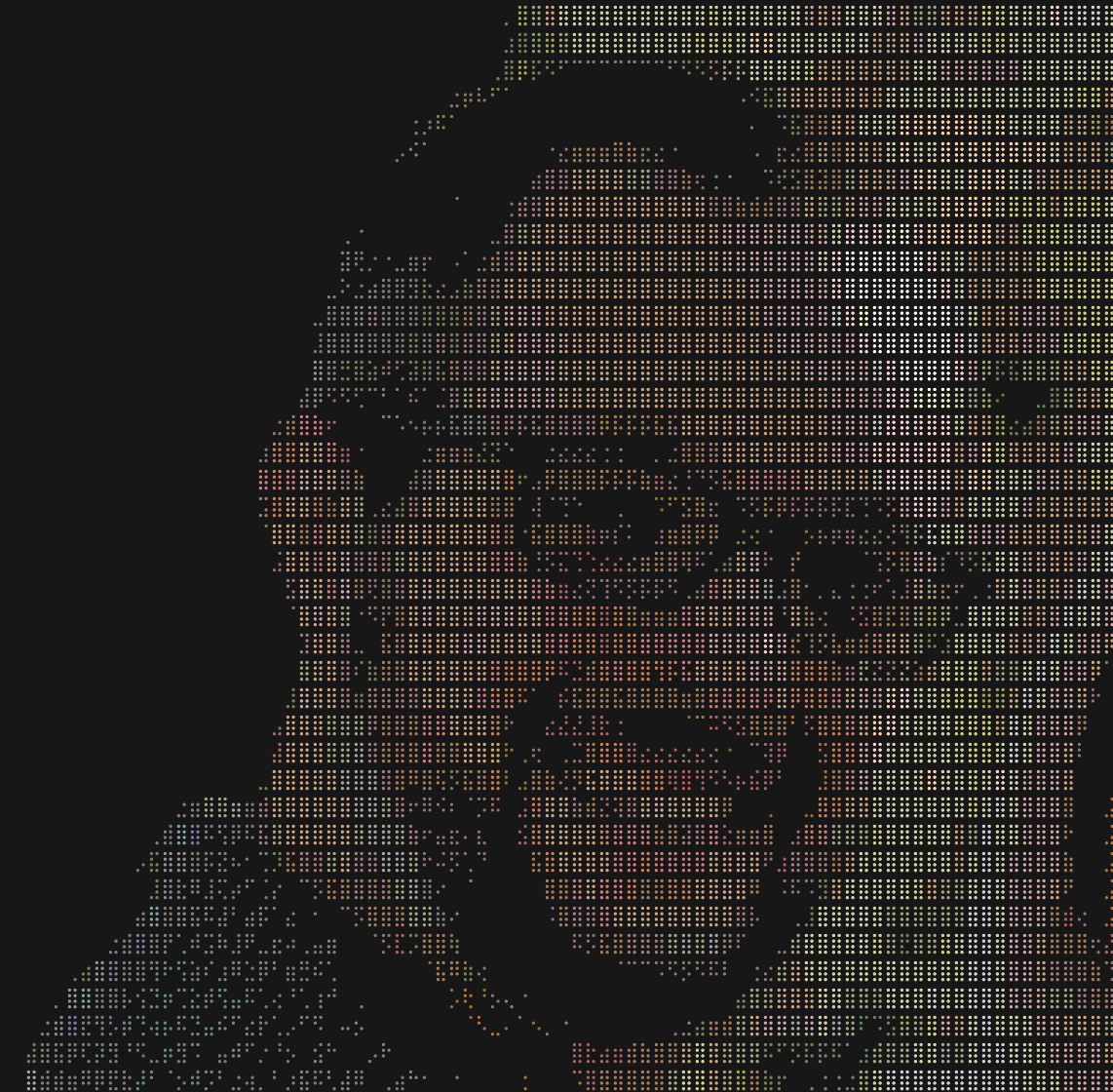
Convert images to braille art in the terminal with ANSI colors.
```
$ dots -w 40 testdata/rainbow_gradient.png
```
 ```
$ go run ./cmd/dots -w 80 -threshold 115 avatar.jpeg
```
```
$ go run ./cmd/dots -w 80 -threshold 115 avatar.jpeg
```
 ## Install
```bash
go install github.com/imjasonh/dots/cmd/dots@latest
```
## CLI Usage
```bash
# Auto-fit to terminal, maintain aspect ratio
dots image.png
# Specify width (height calculated from aspect ratio)
dots -w 80 image.png
# Specify both dimensions
dots -w 80 -h 40 image.png
# Add background color
dots -background ff0000 image.png
```
## Library Usage
```go
import "github.com/imjasonh/dots"
img, _ := loadImage("photo.png")
lines := dots.Convert(img, dots.Options{
Width: 80,
Height: 40,
})
for _, line := range lines {
fmt.Println(line)
}
```
## Install
```bash
go install github.com/imjasonh/dots/cmd/dots@latest
```
## CLI Usage
```bash
# Auto-fit to terminal, maintain aspect ratio
dots image.png
# Specify width (height calculated from aspect ratio)
dots -w 80 image.png
# Specify both dimensions
dots -w 80 -h 40 image.png
# Add background color
dots -background ff0000 image.png
```
## Library Usage
```go
import "github.com/imjasonh/dots"
img, _ := loadImage("photo.png")
lines := dots.Convert(img, dots.Options{
Width: 80,
Height: 40,
})
for _, line := range lines {
fmt.Println(line)
}
```